Get started with the Finaxis API
The Finaxis API lets your own systems work with your Finaxis data: an ERP that sends its invoices, a data warehouse or Power BI that reads your aging, a CRM that adds notes. It is included on every plan. The complete technical reference is at api.finaxis.ai/docs; these articles cover what you do in Finaxis.
What your systems can do
- Develop a custom connector that sends customers, contacts, invoices, credit notes and payments from a system Finaxis does not connect to natively.
- Feed a data warehouse or a reporting tool such as Power BI with your balances, aging, risk and overdue totals.
- Add notes and payment arrangements from your CRM, or pause a customer's reminders.
- Invite users, change their role or remove them from the instance from another system.
- Read the activity log for your audits.
- React as soon as your data changes, with webhooks, instead of asking the API over and over.
Please note: The API does not modify records that come from your accounting software, such as QuickBooks invoices: those stay managed by it. Each scope is detailed in Create a service account.
Choose your credential
| Credential | For | Who creates it |
|---|---|---|
| Service account | A company system: ERP, data warehouse, reporting tool, AI agent. It keeps working when a member leaves. | An administrator, in Settings, API. |
| Personal API credential | Your own scripts and tools. It acts as you, never beyond your role. | Any member, in My Profile, API. |
| No credential | An AI assistant such as Claude or ChatGPT, which connects through the MCP server. | You, by approving the connection: see Connect an AI assistant to Finaxis. |
Follow and protect your access
- Follow each call in the request log, which keeps 30 days.
- Rotate a secret without interruption.
- Revoke a credential as soon as a system no longer needs it.
Receive webhooks
A webhook sends a signed event to your system as soon as your data changes: customers, contacts, invoices, payments, payment arrangements, notes, reminders sent and replies received. To start, add a webhook.
Find the technical reference
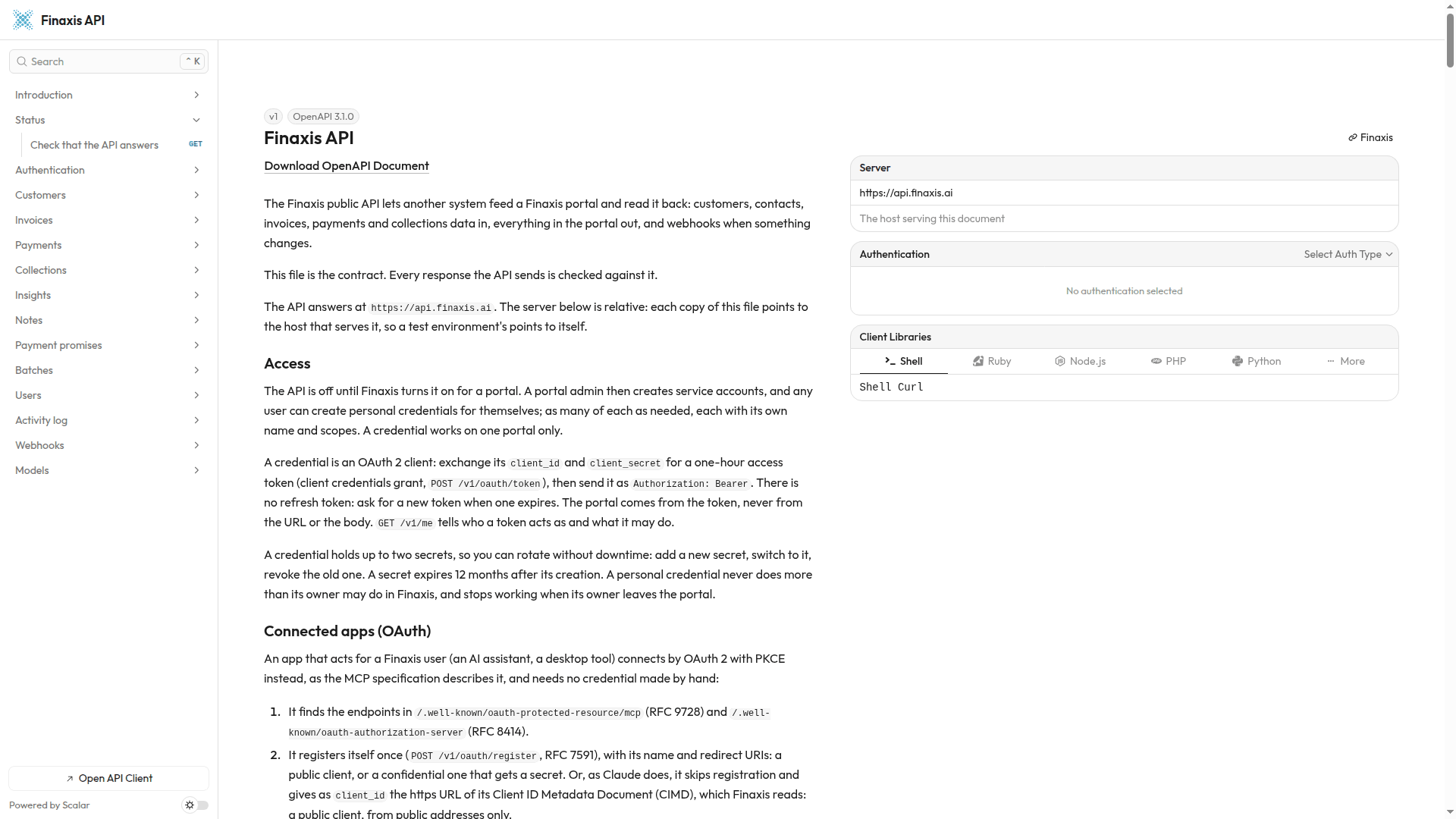
The reference at api.finaxis.ai/docs describes authentication, every call and the webhook events. It is in English.
Need help with your integration? Write to support@finaxis.ai with the request id of the call, and our team will help you.
Related articles
Can't find what you're looking for?
Our support team is here to help.