Pause, resume or delete a webhook
Last updated on
Applies to: All plans
Lire en français
Pause a webhook while your system is down for maintenance: Finaxis sends it nothing until you resume it. Resume it when the system is back. Delete it when your system no longer needs the events.
Before you start
- The webhook is listed under Webhooks on the API page, in Settings for a service account or in My Profile for your own credentials.
Pause a webhook
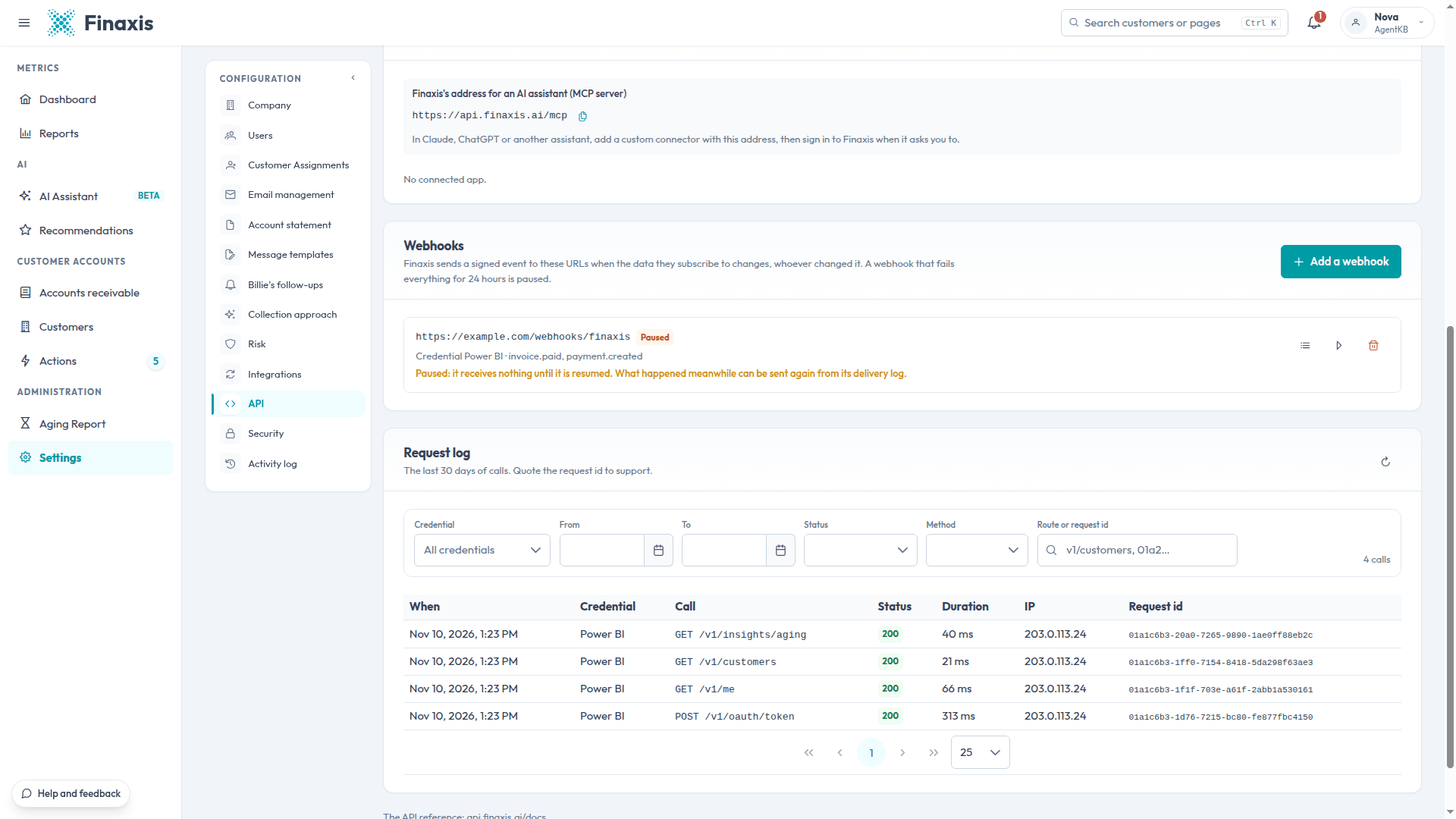
- On the webhook's row, click Pause.
- The row reads Paused: the webhook receives nothing until it is resumed.
Resume a webhook
- On the paused webhook's row, click Resume.
- To catch up on what happened in the meantime, open its Delivery log and click Send again on the events you need. See Check webhook deliveries.
Delete a webhook
- On the webhook's row, click Delete.
- Click Delete again to confirm. Finaxis stops sending events to that address, and its delivery log goes with it.
A webhook is also deleted when its credential is revoked, or when the credential loses the scopes that all its events need.
Troubleshooting
| Situation | What to do |
|---|---|
| The webhook is Paused and nobody paused it | Its deliveries failed for 24 hours. Read the last answer in its Delivery log, fix the system, then click Resume. |
| A webhook disappeared | Its credential was revoked, or lost the scopes its events need. Add it again on a credential that can read those events. |
| You deleted a webhook by mistake | Add it again. Finaxis shows a new secret, which your system needs. |
Need help with a webhook? Write to support@finaxis.ai with its address, and our team will help you.
Related articles
Can't find what you're looking for?
Our support team is here to help.